

Tech Review: NeuroNation - Brain Training & Brain Games


As we age, we tend to notice and lament the decline of physical fitness more than any other aspect of ageing. This is likely because it is the most visible and the one that is felt most: a grey hair here, a twinge-in-the-back there.
The decline of mental fitness, however, is not something that people generally think about. There are likely cultural factors associated with this: although we think of the elderly as being forgetful, we also imagine them in very senior positions, always ready to give advice or bring their wisdom to bear.
In recent years, as awareness of dementia and mental decline has become more widespread, more and more people are looking at ways to improve not just their physical fitness, but their mental fitness also. The rise of the ‘brain training’ app, made more accessible by the advent of smartphones, is an extension of the video games released in the early 2000s, most notably ‘Dr Kawashima’s Brain Training’ for the Nintendo DS. From 2012 to 2018 alone, the industry grew from £383m to £1.5bn globally, a staggering rise, especially when they may not even be that effective.
In this review, we take a close look at ‘NeuroNation – Brain Training & Brain Games’ for Android (or ‘NeuroNation – Memory Games’ in the Apple App Store). With over 10 million downloads, the NeuroNation app is certainly popular, and with a 4.6/5 rating and ‘Editor’s Choice’ badge from the Google Play store, it comes with a veneer of credibility that some apps don’t have.
How It Works
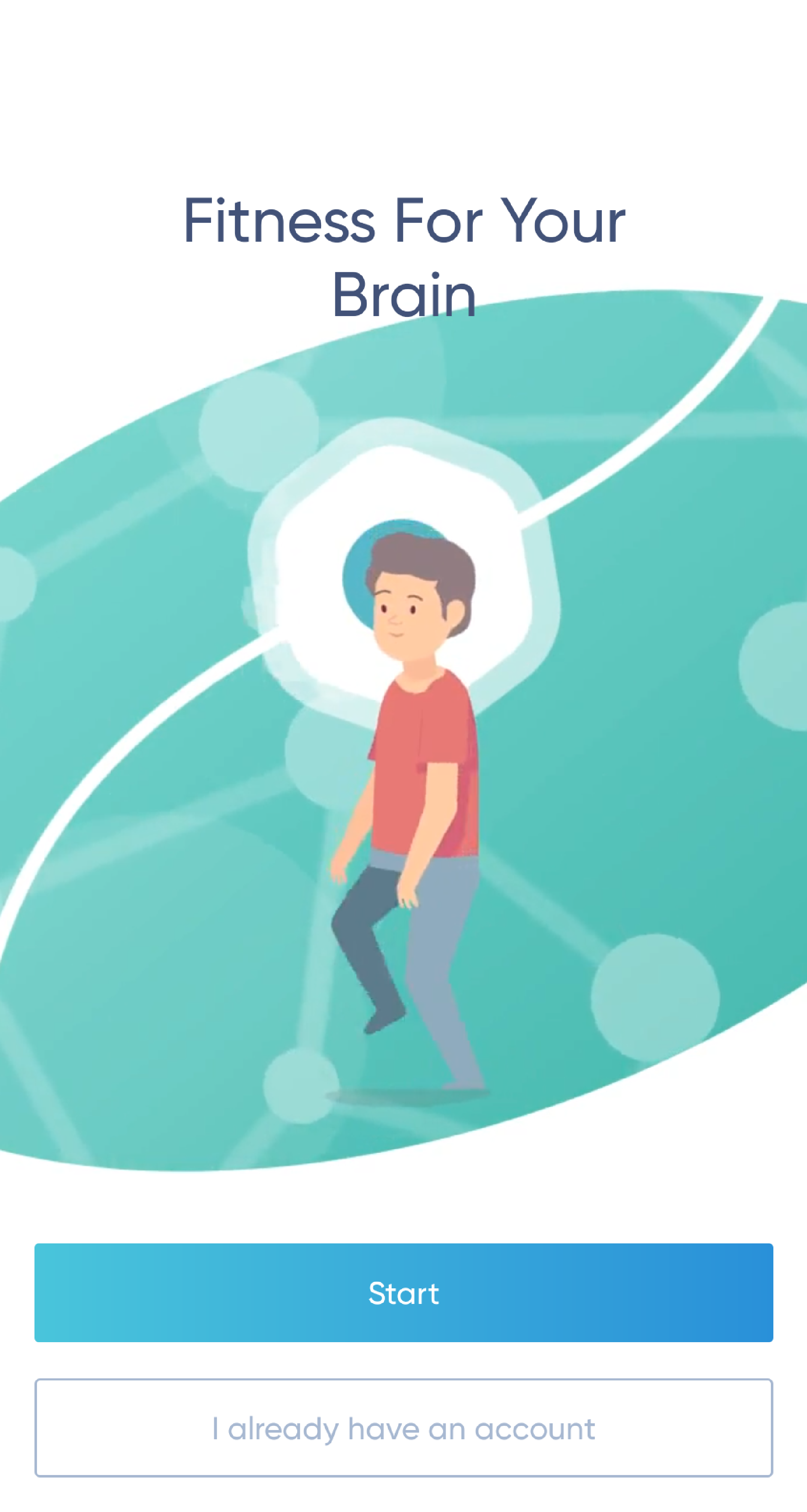
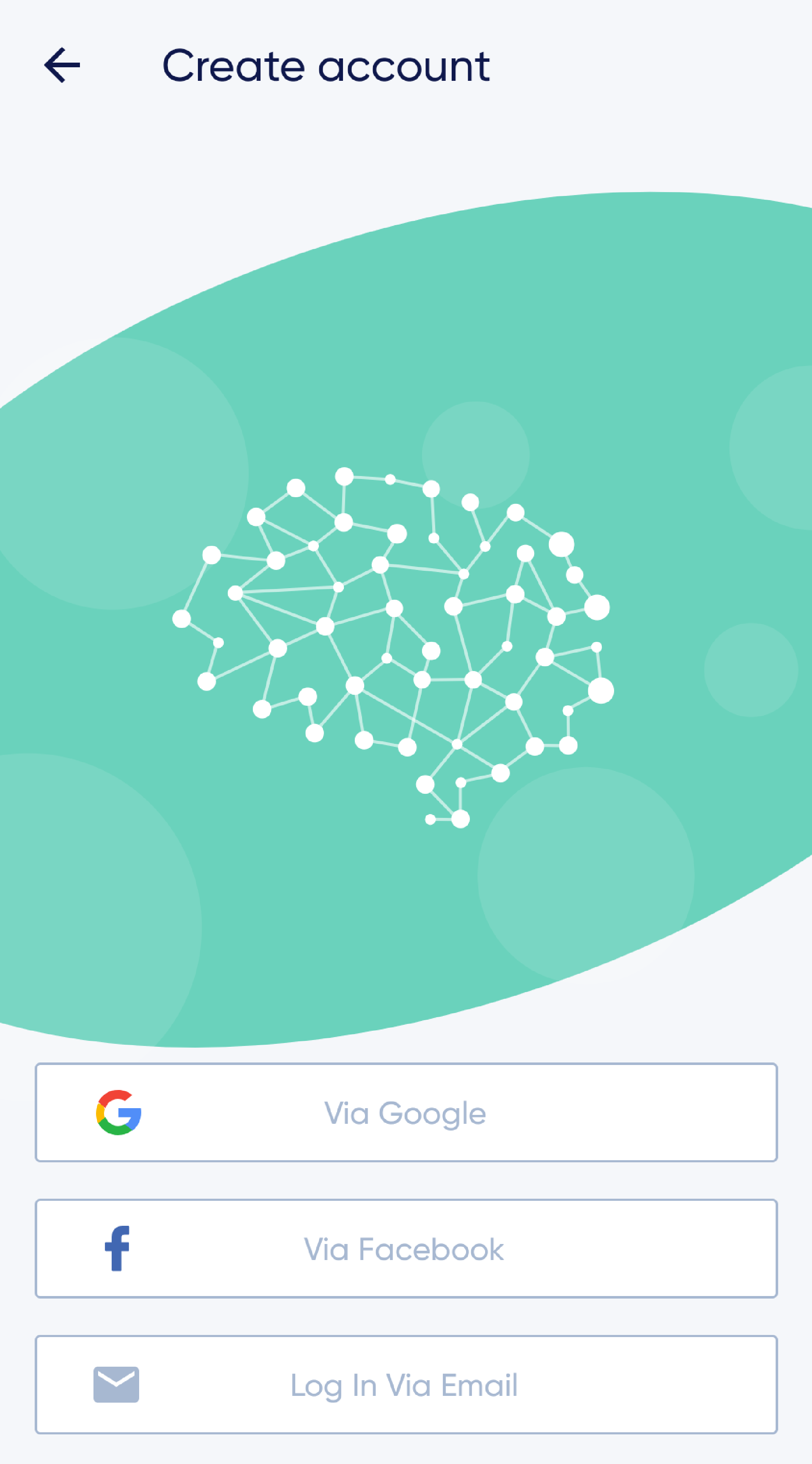
The app is free to download and free to register, although there is a ‘Premium’ option that may be selected once registered (more on that later). Following registration (with an option to log in with Google or Facebook accounts if preferred), you will be greeted by an introductory video. If you feel this is unnecessary (and I certainly felt it was), this can be skipped by clicking the ‘X’ at the top left of the screen.
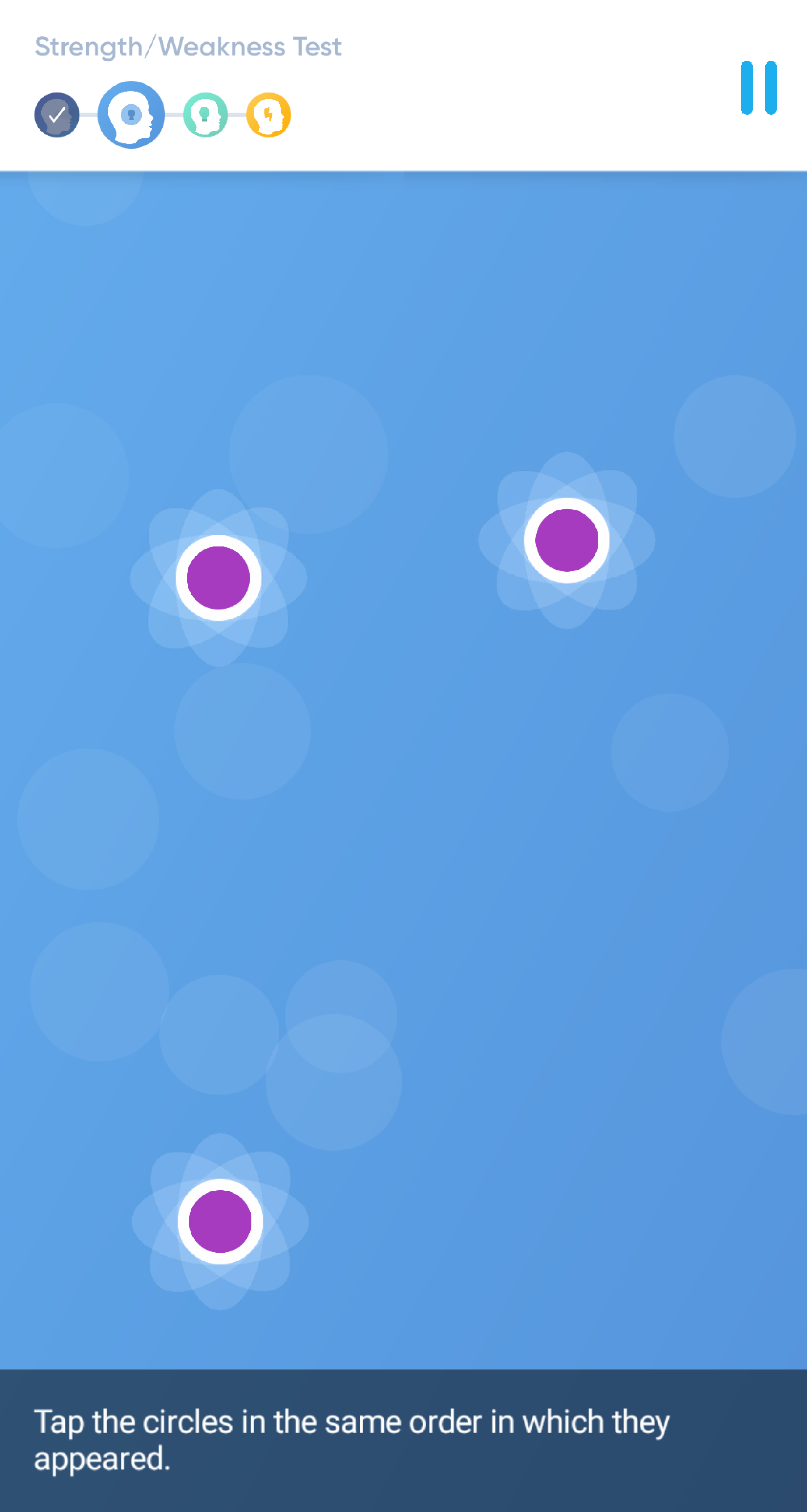
After the video, you will be invited to complete an assessment, which is then used as your baseline score and the starting point for a tailored package of games that will improve each of the areas being tested. The areas targeted are:
- Attention
- Memory
- Reasoning
- Speed
Although the initial assessment tests are easy to understand and simple to follow, I found that the written instructions on my 5.7 inch screen were a bit on the small side, making it difficult to read. This could be an issue for elderly individuals and those with impaired sight. In addition to this, the games that require swiping or touching specific areas of the screen could also cause issues for those same individuals, as some (but not all) of the icons are on the small side and there do seem to be some lag issues.

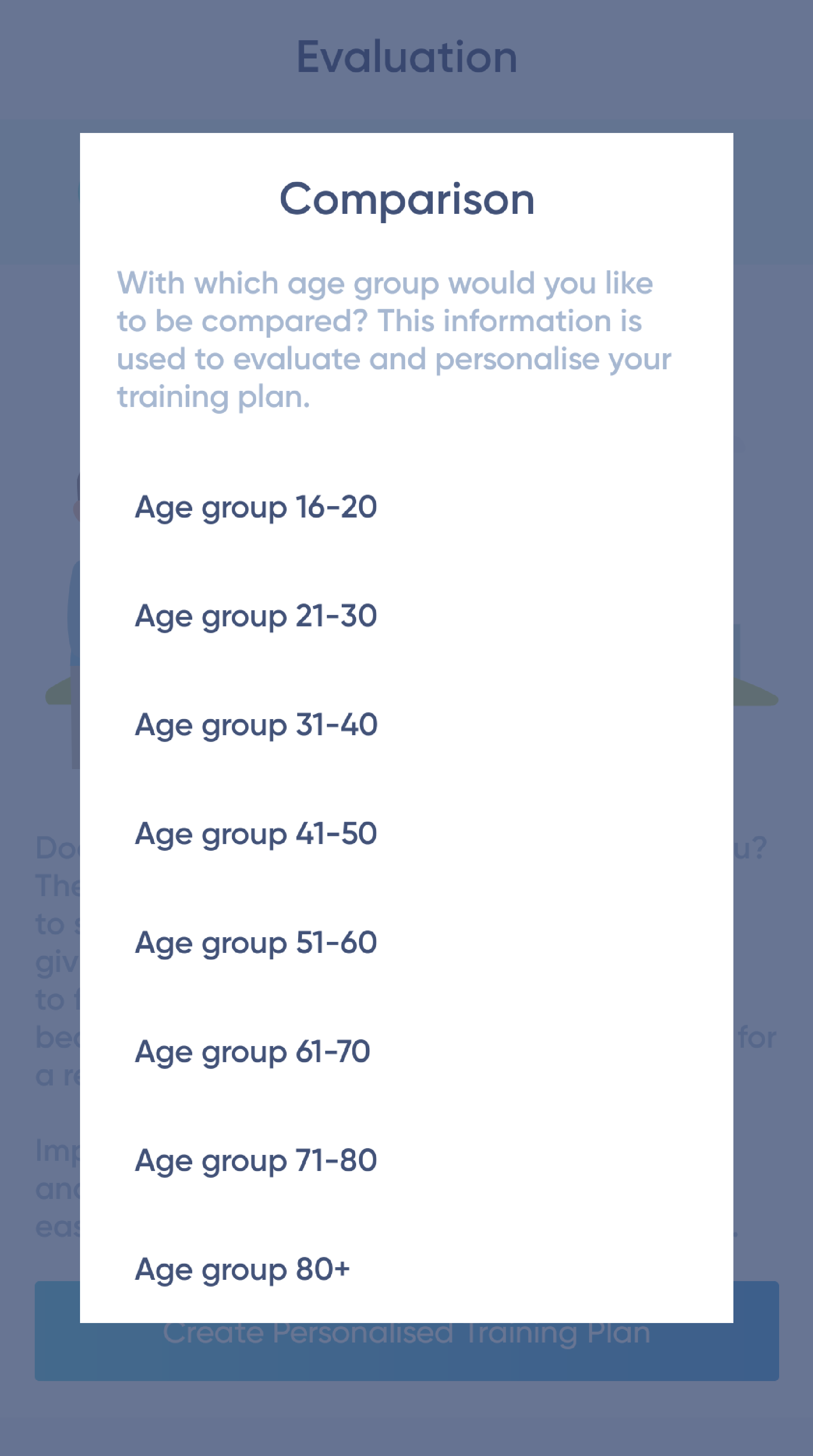
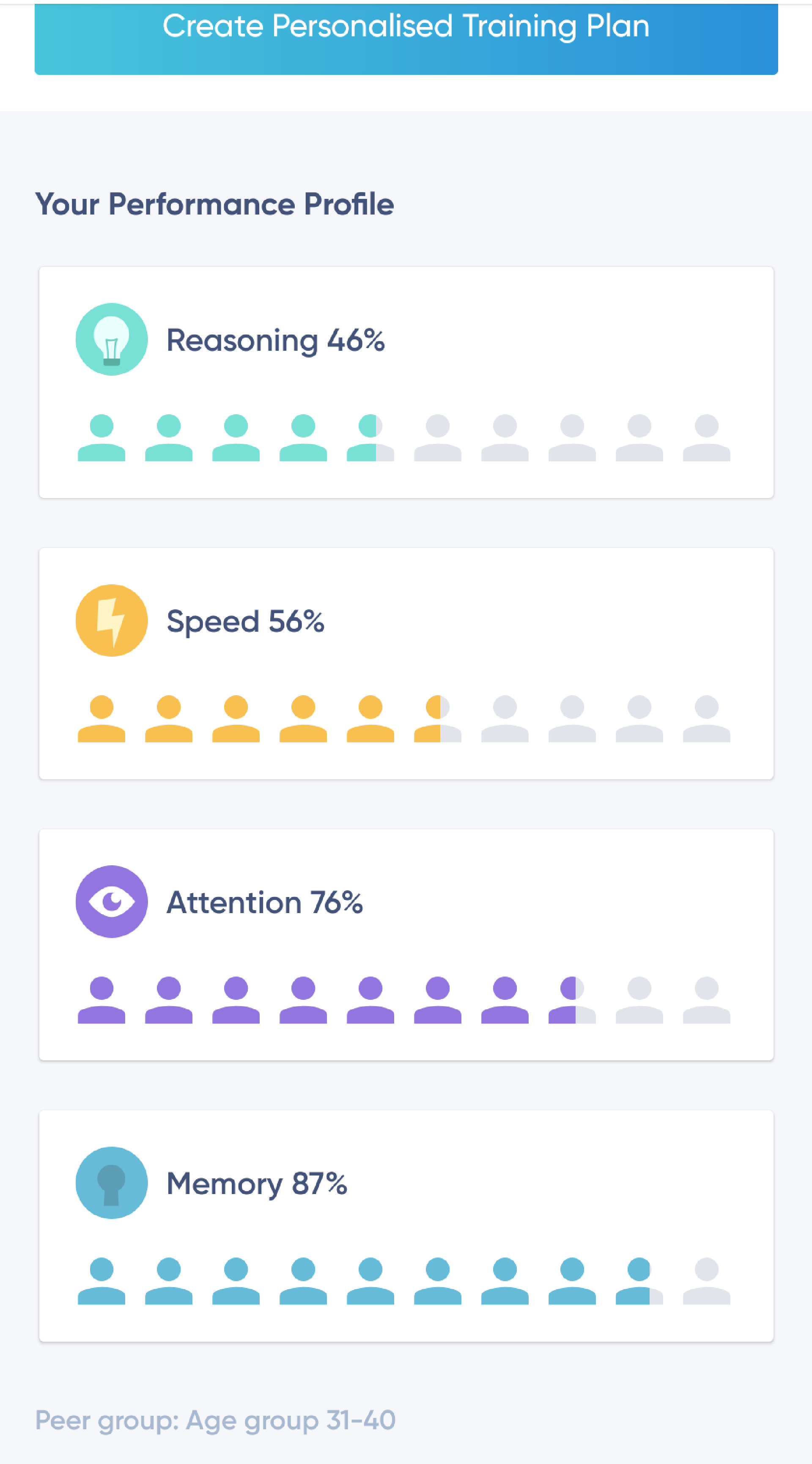
Once the assessment is over, you are presented with the results. To make this more relevant to the individual, you are asked what age group you want to compare yourself to and are then told where you need the most help, relative to that age group. Finally, there are then a series of options on how frequently you want to play the game and during what time of day, which allows for an element of control over the training.
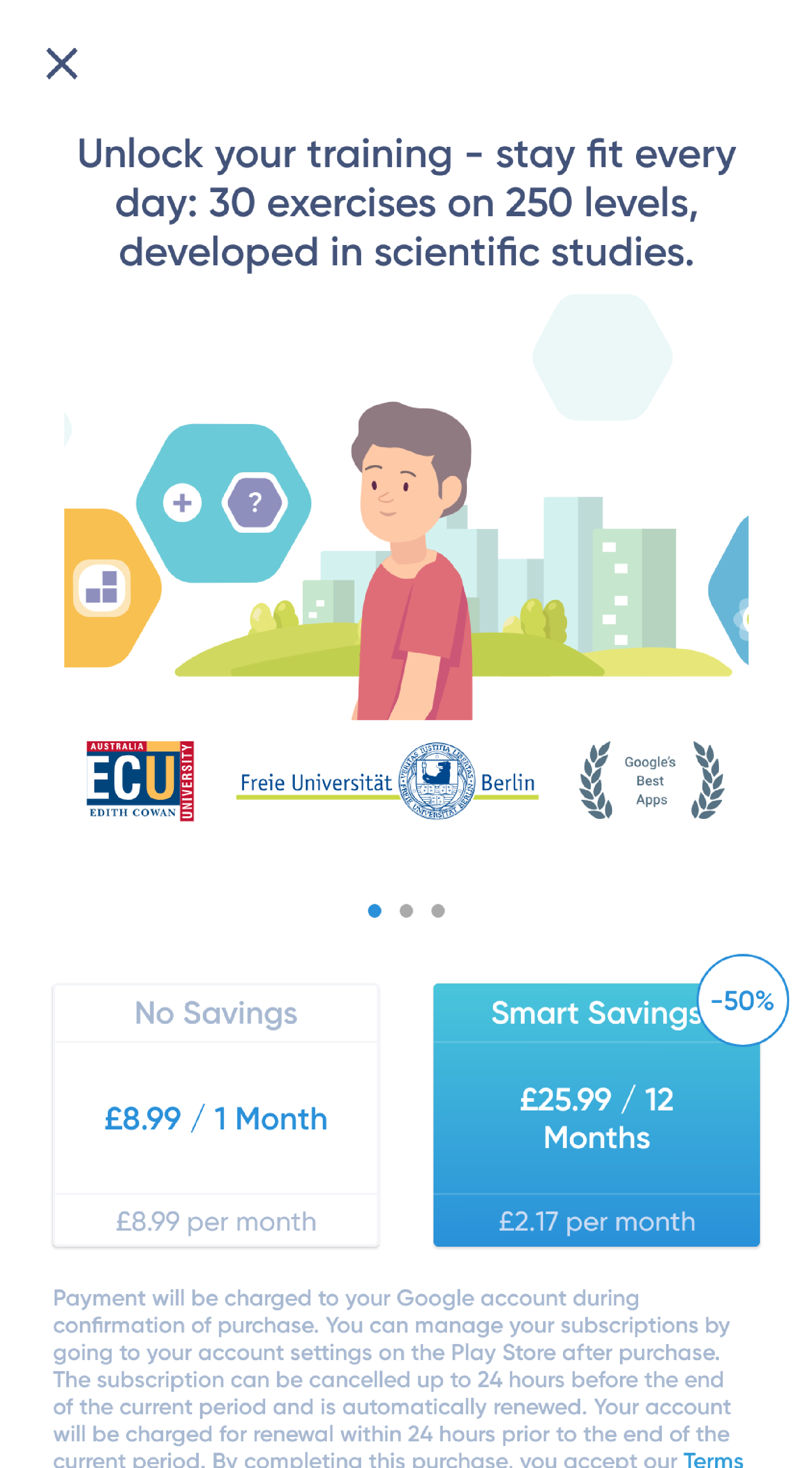
During this time, you are also presented with an option to go for the premium membership. At the time of writing, this consisted of a monthly option of £8.99, or a yearly option of £25.99 (which includes a 50% saving). For that, you unlock all 30 exercises across 250 levels and their use at any time. These prices are roughly in line with top-end brain training apps premium services, although see below for further thoughts on this.
Strengths
- Although there is a premium option, the app and exercises are free, if limited.
- The main selling point of this app is the fact that it was developed with scientists in real scientific studies, with logos of some impressive institutions to showcase these links.

- The bright, colourful presentation makes the app easy to navigate and engage with.
- By offering different levels of engagement, the app never forces itself on you and you do get a feeling of being in control. Having said that, some users have reported being on the app for several hours at a time, so the ‘game’ element of the training may be more addictive than at first glance.
Things to Improve
- As mentioned above, if these apps are to appeal to the elderly we would suggest slightly larger text and icons, although for the more tech savvy, Android’s TalkBack option works well within the app.
- There are times in an exercise when you try and swipe or press a button or icon, and the app either has a delayed response or doesn’t respond at all, which skews the results of that particular exercise. This appears to be something other users have picked up on and the developers are aware of.
- The pricing options for the app are somewhat confusing. Clearly the developers of the app want to lock in their subscribers to a one year deal, but by making the monthly option so prohibitive, they may be locking out individuals who are either curious about the app, or who want to remain flexible. Something to think about for the team at NeuroNation
Our View
This is a really good app, with a simple to understand interface that does a good job of outlining how it will help you improve your mental fitness. The games are intuitive and you can feel your mind working with each exercise, but as ever with these sorts of apps, they are there to supplement a generally healthy lifestyle. Good diet and exercise, with a wide range of additional activities and interests are the key to living a healthy later life!
Please note that the views expressed here are those of the author alone and not necessarily those of any other person or organisation
 tech
tech